
Restore content
If you want to restore the original content or revert to a previous version, you can easily do so on the History page.
Open the History page. If you don’t see History in the navigation menu, click View More.
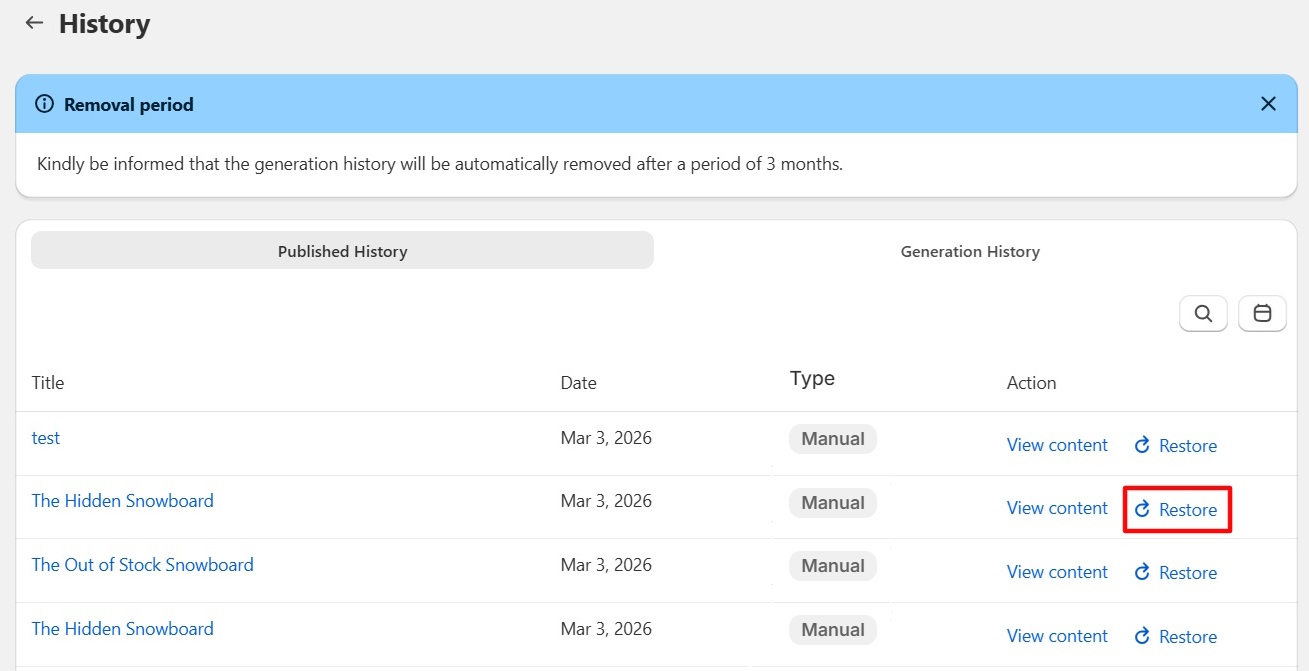
Find the content generation log you’d like to revert to in the Published History tab. You can filter by date or use search by object name for quicker access.
Find the version you want to return to using the View Content action.
Click Restore to revert to that version.
The generation history is automatically removed after a 3 month period.